
iCloud Bookmark Sync on iPhone and iPad
LinkBook’s optional iCloud sync keeps its own library across your Apple devices. It is separate from Safari bookmark sync and requires Premium to enable.
Turn on LinkBook sync
- Use the same Apple Account for iCloud on both devices. Check that iCloud is available, storage is not full, and both devices can connect.
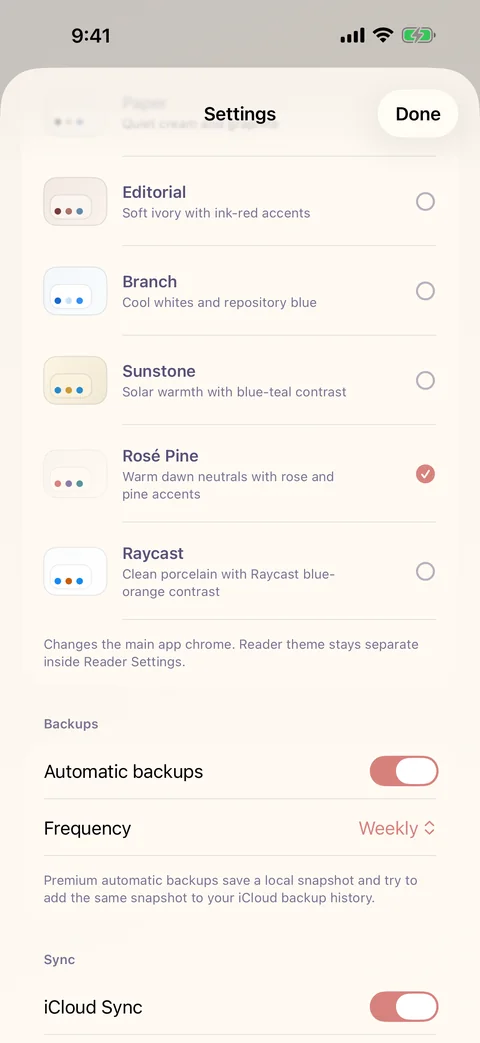
- Open LinkBook, tap the Settings gear, and find Sync.
- Enable iCloud Sync on each device. Sync is off by default.
- Use Sync all sources, or select the sources you want included.
- Enable Sync imported reading files if you want reading files available on the other device. Open each file there while online to download it.
What happens to files
The imported-reading-files option covers supported PDF, EPUB, text, DOCX and PPTX Book Mode files. Another device downloads a file when it is first opened. Videos are not included in this reading-file sync option. A visible file record does not guarantee that its bytes are already on the device.
If a save is missing
- Search for the title or URL, and check folders, filters and hidden links.
- Check the same iCloud Apple Account, connection, available storage and source selection on both devices.
- Keep LinkBook open long enough to upload and download changes. In Settings, use Sync Diagnostics to inspect its state.
- If only a PDF or EPUB will not open, check the reading-file sync setting and open it while connected.
Sync and backup serve different purposes
Sync carries library changes between devices. A backup is a saved recovery point. Make a manual local backup before major cleanup or troubleshooting. Do not use Disable and Clear iCloud Sync Data as a routine refresh: it deletes LinkBook’s synced cloud data. Reinstalling is not a safe first step for a library stored on your device.
You can turn sync off even without an active Premium entitlement. Read the backup and restore guide.
Related guides
Download LinkBook